

Take control of your sales pipeline
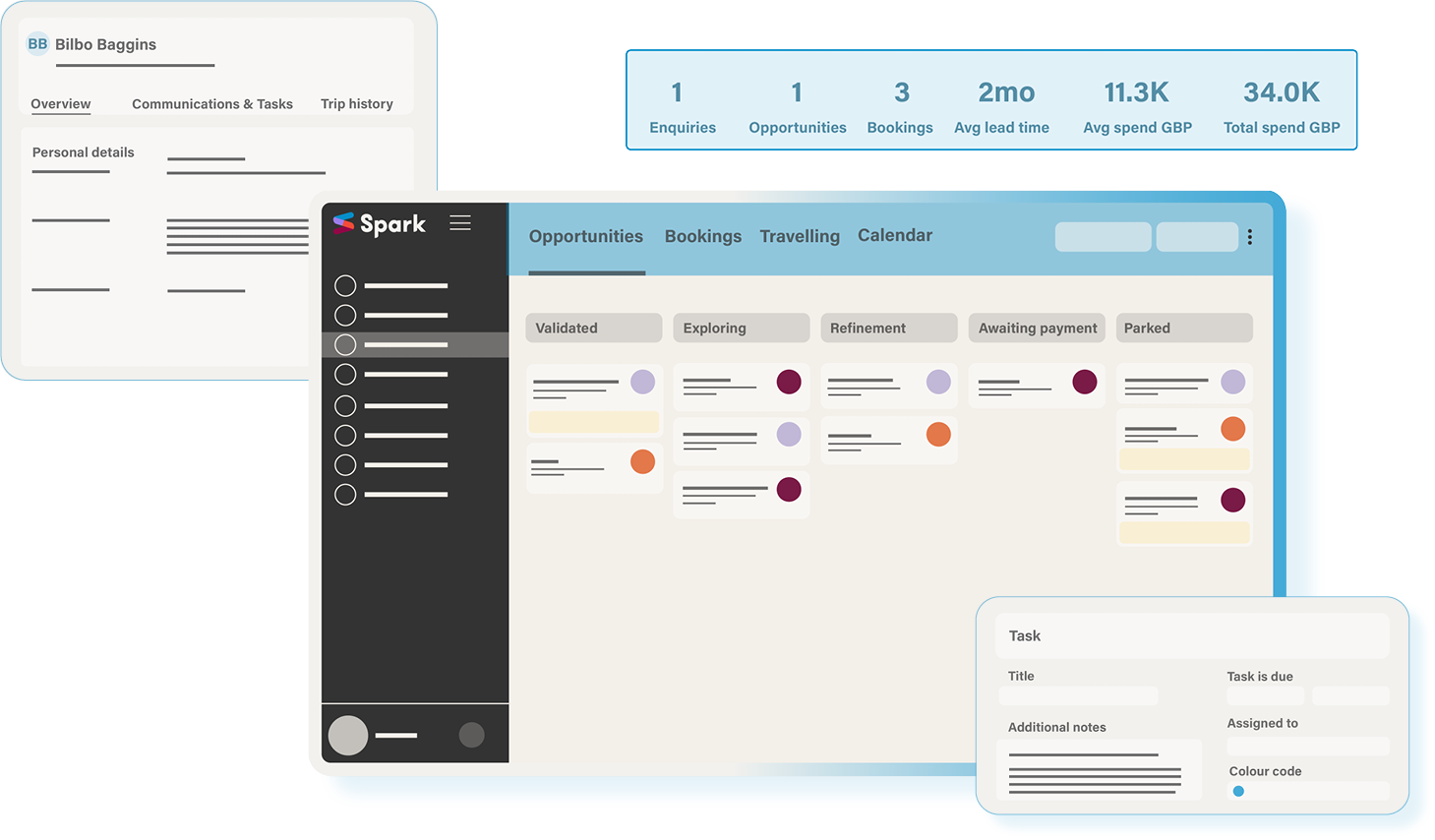
From enquiry through to booking, manage your customer journey with our purpose-built travel sales pipeline.
Take control, speed up conversions and gain clarity.

Discover the features

Dashboard
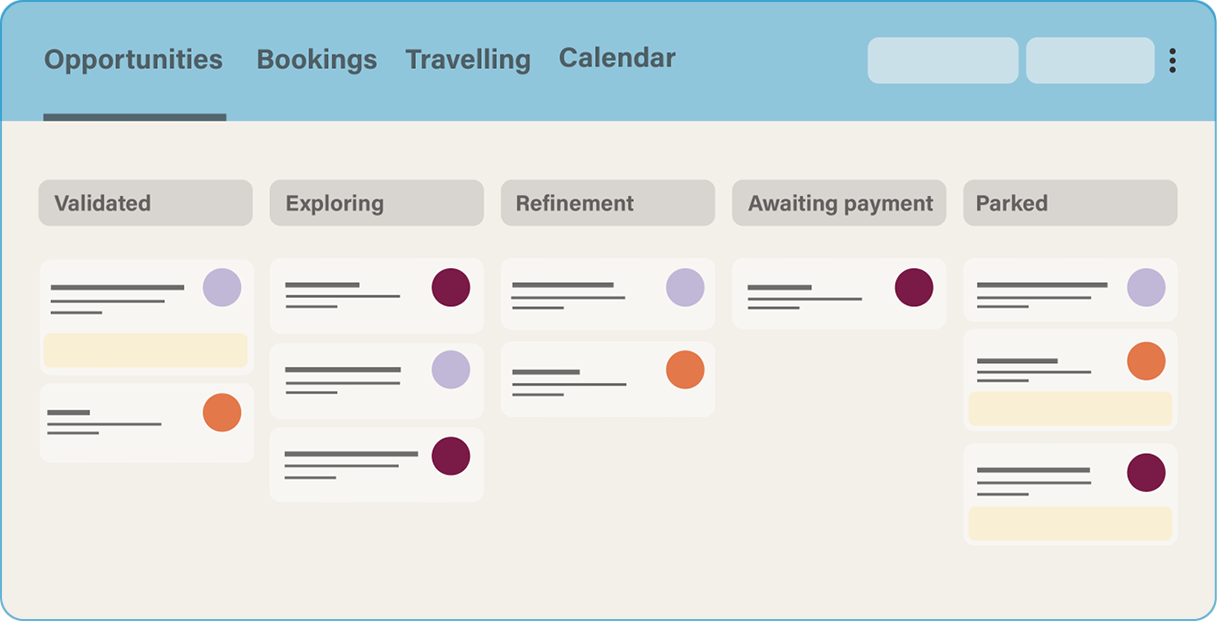
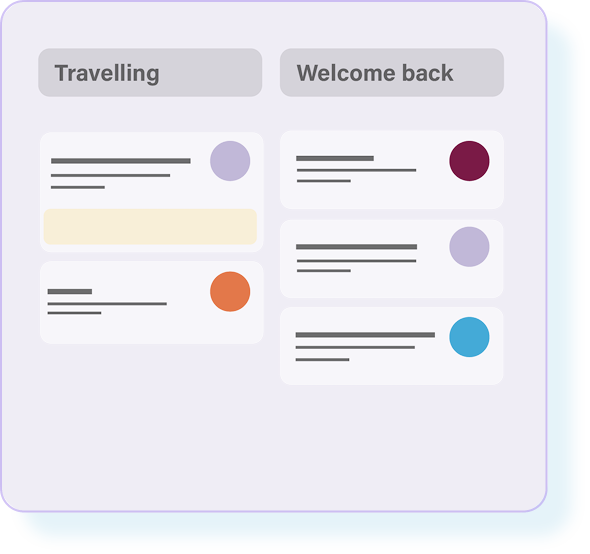
Easily monitor progress with a travel-focused dashboard.
Track every stage of the sales journey with clear sales pipeline progression from opportunity to booking.
Supports seamless follow-ups from first contact to post-trip engagement.
Helps you address workflow bottlenecks before they become an issue.
Enquiries
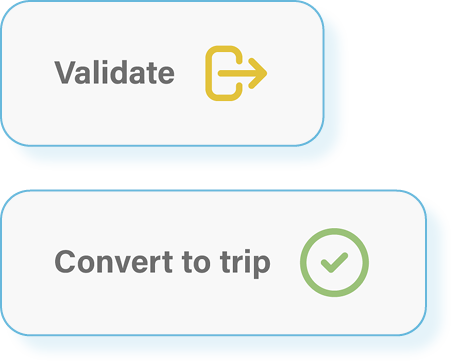
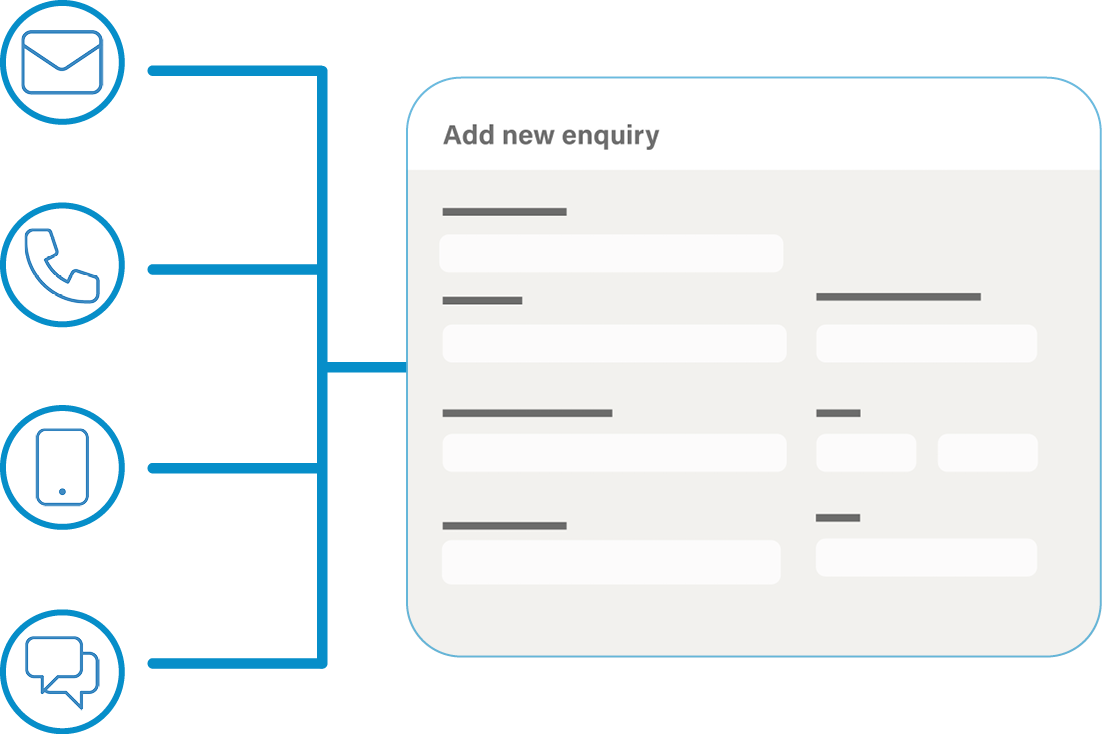
Dedicated enquiries page enabling you to manage new leads by manually adding, or importing directly from your website.
Validate, convert to trip and manually assign new leads to your team members, giving you control of your workflow.
Client profiles
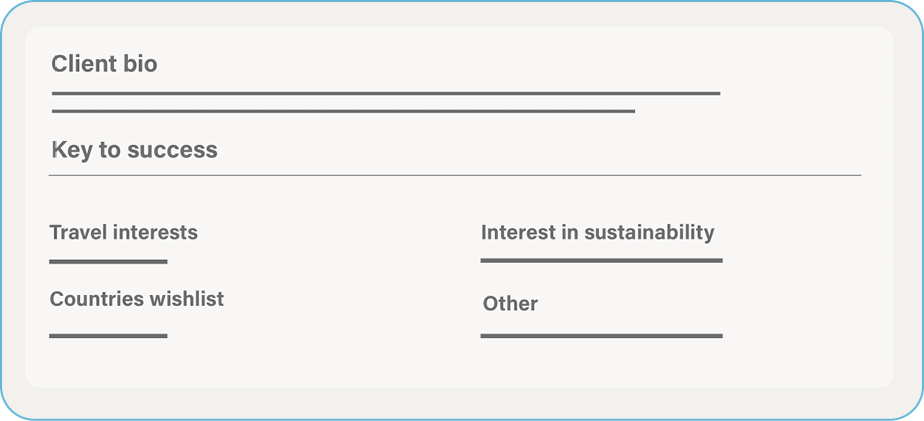
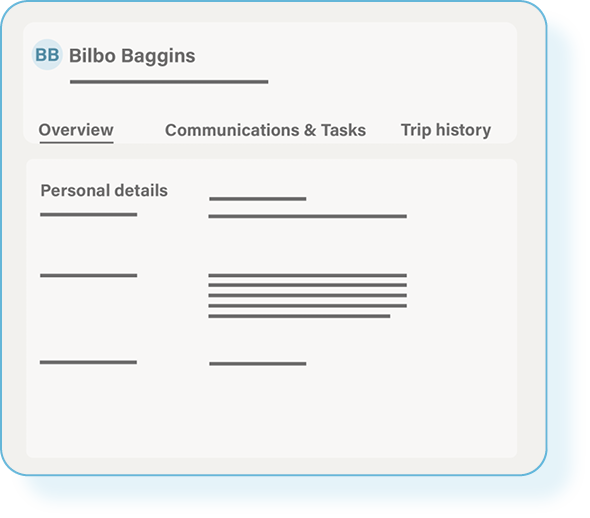

Keep essential client information in one organised place.
Store contact details, preferences and keys to success giving your team the full picture.
Link profiles with each other by assigning relationships and stay on top of client connections.
View stats for enquiries, bookings and client spend.
See all communication history, manage tasks and view trip history.
Add important travel documents like passports and visas to every profile.
Integrated calendar
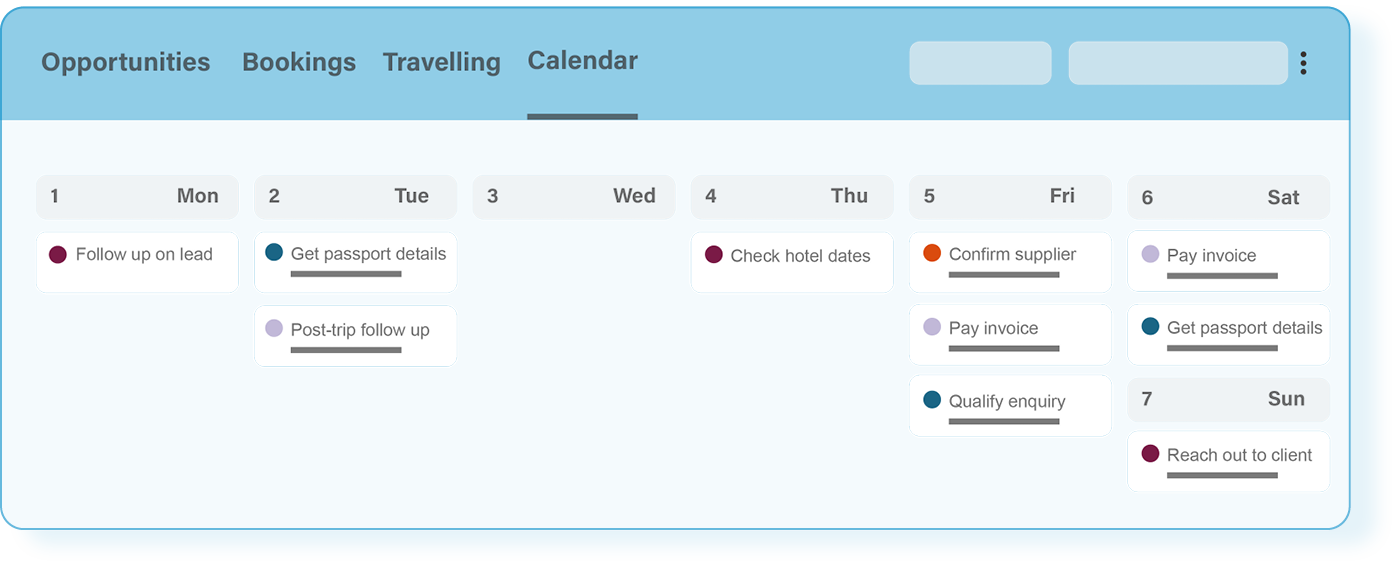
Our smart calendar is designed for your whole team to keep your business running like clockwork.
Adaptable calendar views, tailored to how you work.
Colour coded task assignment, keeping everything visually organised.
Task management
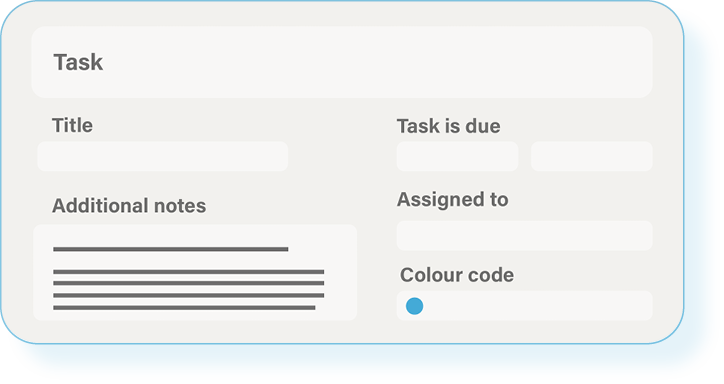
Spark’s workflow and task-management tools allow teams to coordinate tasks, track bookings and confirmations, manage deadlines, and collaborate effectively.
Create tasks and reminders for trips, clients and suppliers.
Set up automated and triggered task workflows.
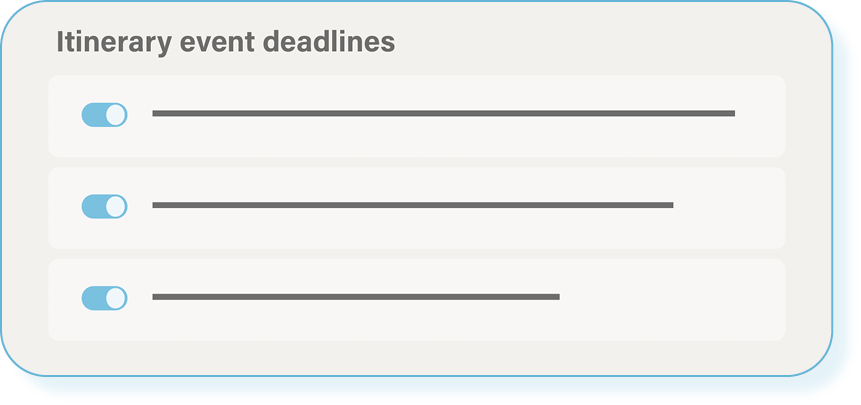
Create deadlines and add tasks to calendar.
Assign tasks to team members.
CRM Integrations
Our integrations with CRMs like Mailchimp, Hubspot and Zoho, allow you to easily organise and send your customer information to specialist platforms, giving you greater insight for reporting, segmentation and marketing purposes.


Hubspot
Mailchimp
Zoho
RELEVANT ARTICLES


FAQs
-
Definitely. Spark supports efficient workflow management by letting you assign tasks, monitor enquiry progress, and coordinate your team in one streamlined system via dedicated dashboards. This improves productivity and reduces operational bottlenecks.
-
Yes, Spark allows you to assign team members to bookings for holiday cover, ensuring continuous communication and support for your clients without disruption. When a team member is assigned to cover a booking, it will appear on their dashboard clearly marked in another colour for clarity.
-
Spark features an integrated calendar and task reminder system to help you organise your daily operations, stay on schedule, and never miss important deadlines or follow-ups.
-
Spark allows you to easily manage trips via our dashboards for a complete overview of your customer journey. Additionally, you can manage enquiries via our add-on feature enabling you to capture leads from your website enquiry form, email and through manual entry into one centralised dashboard. You can validate, assign enquiries to specific agents and analyse performance, helping you streamline your workflow and manage leads more efficiently.
-
Yes! Spark allows you to save and reuse itinerary templates, streamlining your proposal planning process. Plus, the platform keeps a complete version history, so you can easily review and restore previous edits whenever needed.
-
There is a CRM function that allows you to store and manage client and supplier information. Here you can also record and track booking history and past interactions. Spark also connects to third-party CRM software for enhanced data capture and reporting.
Have another question? Head to our FAQs page to find out more.